
Care in the details.
Look at the material. Understand the finish. Find the right conversation for your device.
Explore polishingYamari Systems
Polishing. Screen repairs. Refurbishment.
Wholesale phone requirements.
Explore the details before you decide.
For individual devices and business needs.
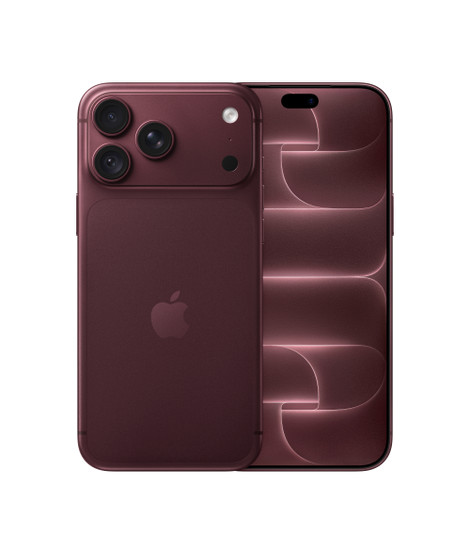
Start with the condition.
Define the right scope.
Find your starting point
Choose a service to explore the scope, what to look for and what to share.
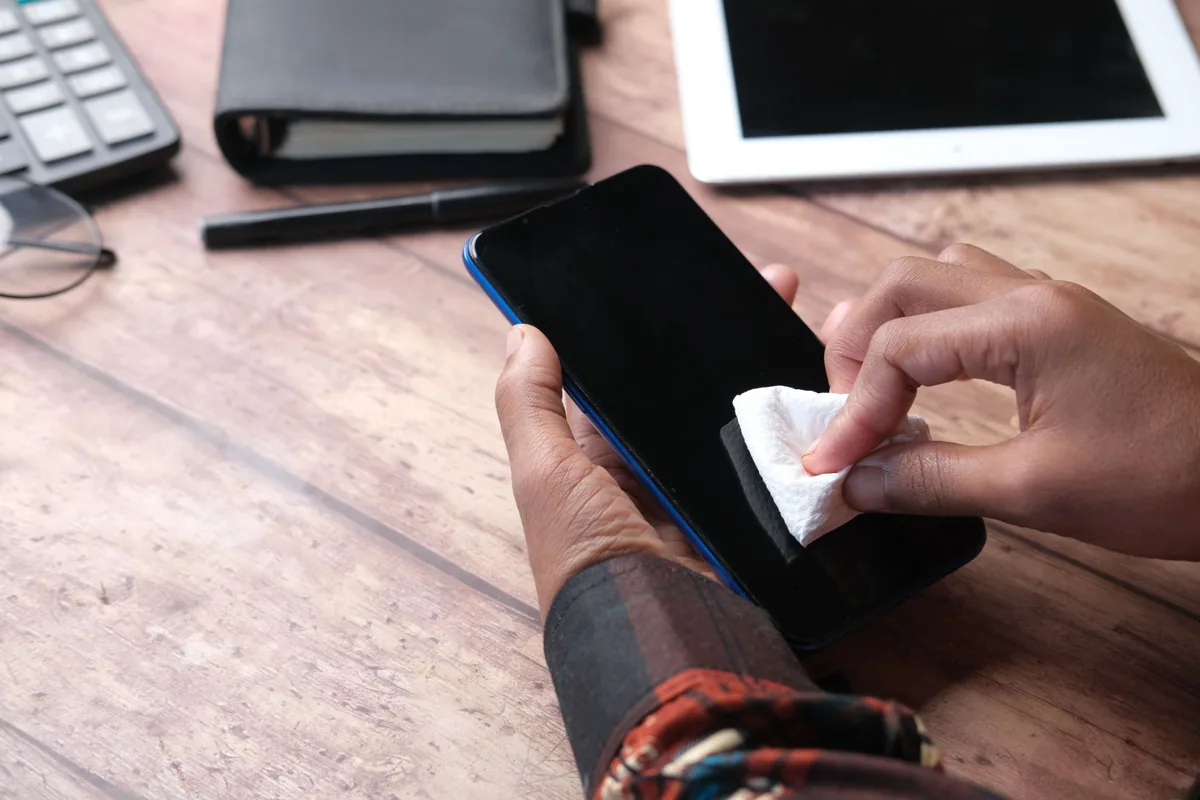
Surface & finish
A mark, a worn coating and a cracked surface need different conversations. Explore material and condition before discussing cosmetic finishing.
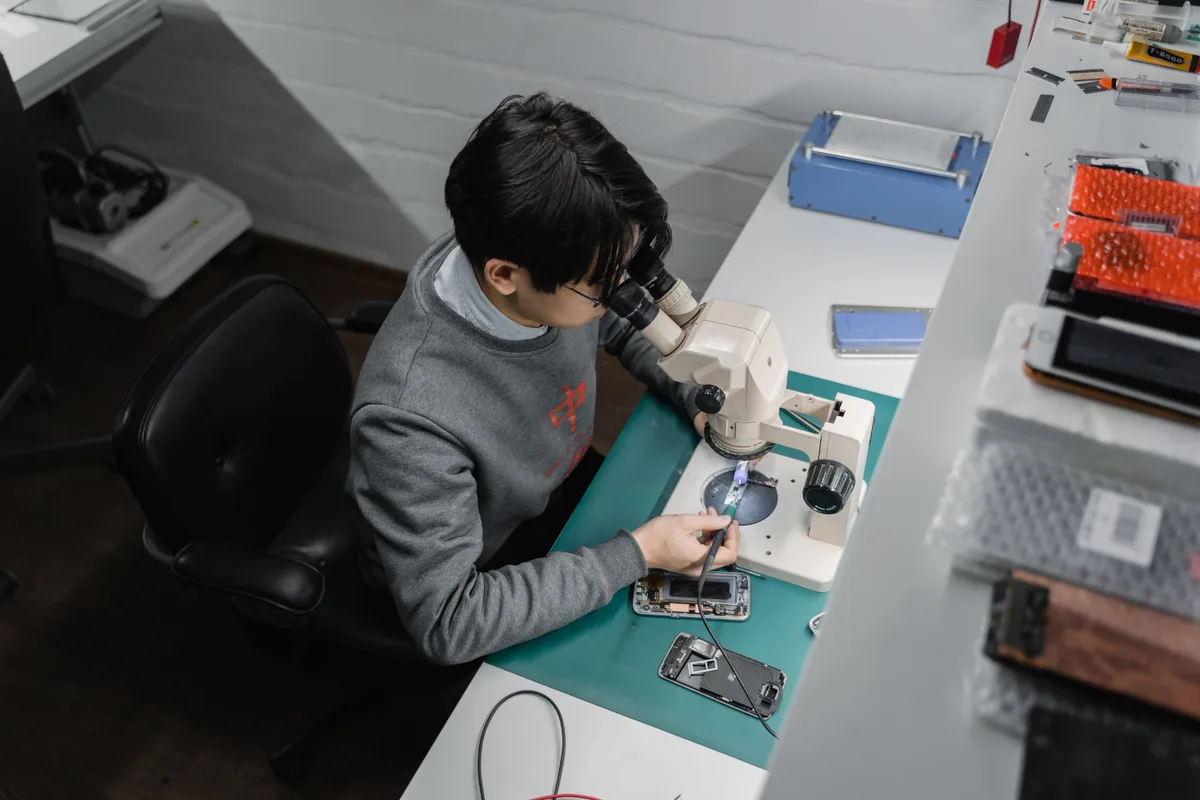
Screen & function
Cracked glass, missing touch response and a blank display are different symptoms. A useful repair brief separates what you see from what the phone still does.
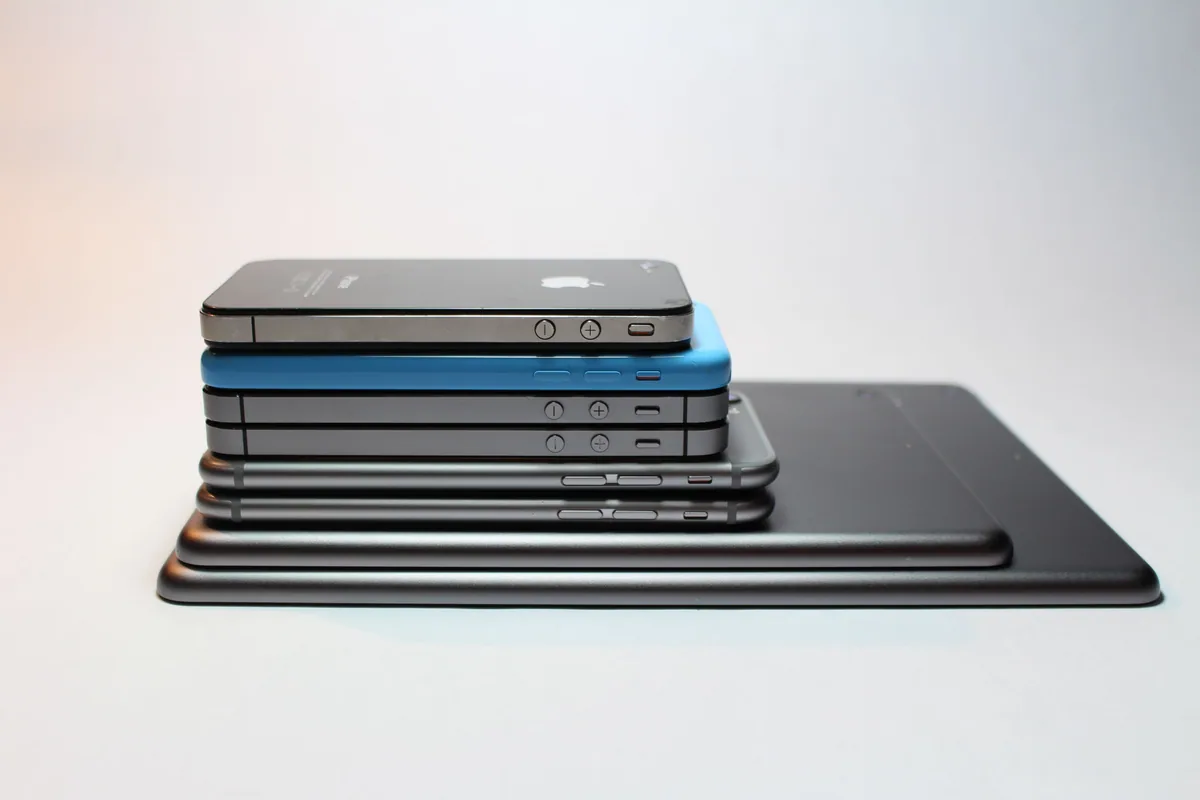
Business requirements
Define the model, quantity and standards your business needs. Separate cosmetic condition from functional, battery and network requirements.
Considered care.
From every angle.
Good decisions begin
with better information.
From condition to scope
The exact model and previous repair history help distinguish materials, components and model-specific considerations.
Record cosmetic wear alongside display, touch and power symptoms. A photograph of damage does not establish the complete repair scope.
Review suitability, proposed work, parts choices, limitations and terms directly. Physical inspection may be needed before a scope can be confirmed.
Phones & devices
Product listings are coming soon. Until then, share the models and quantities you need through a wholesale enquiry.
Discuss device requirementsUseful answers
Find the details that matter to your device or business.
Cosmetic wear belongs in the polishing discussion. Cracks, display faults, touch issues or other functional problems belong in the refurbishing and screen-repair enquiry. For business phone requirements, choose wholesale. You can describe mixed needs in one enquiry.
The work depends on the exact model, condition and agreed scope. Pricing, timing, parts options and any applicable terms are confirmed directly before you proceed. The website does not provide an automatic quote.
No. The photographs illustrate devices and service topics. Product listings are coming soon; there is no live inventory or online checkout on this site.
Include the exact model, quantity, visible condition and any functional symptoms. For a business enquiry, add the cosmetic and functional standard you need. Photographs can be attached in your own email app.
The form prepares an email draft on your device. Nothing is submitted to a service or sent automatically. You review the draft and choose whether to send it using your own email app.
No matching questions. Try another phrase or view all questions.
Start with the details
Exact model. Current condition. Your requirements.